.png?width=212&height=54&name=PSYMPL_LOGO_2024%20(1).png)
1 Navigate to https://app.psympl.com/home/dashboard
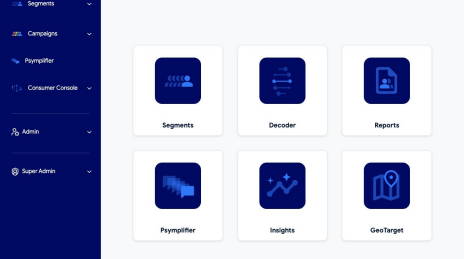
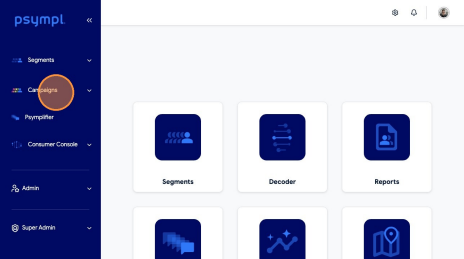
2 Click "Campaigns"
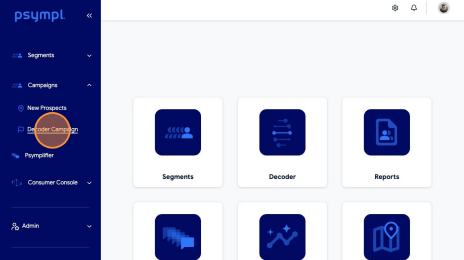
3 Click "Decoder Campaign"
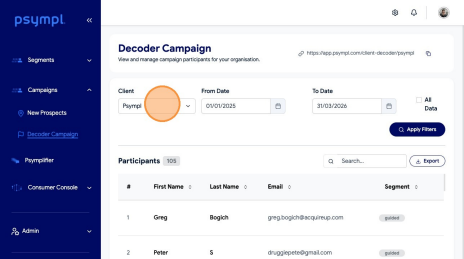
4 Click this dropdown.
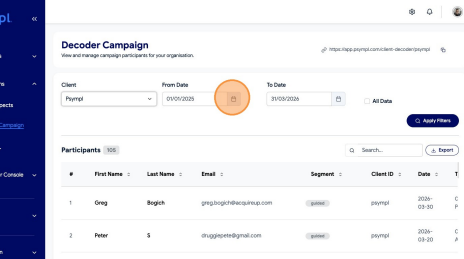
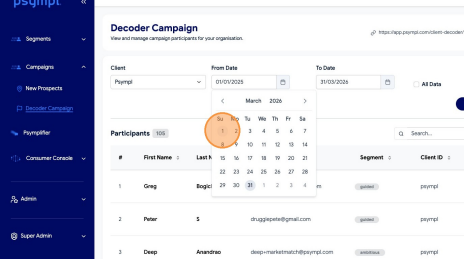
5 Click this icon.
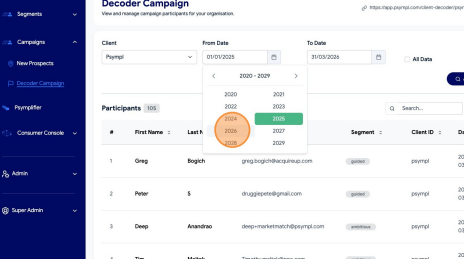
6 Select Year
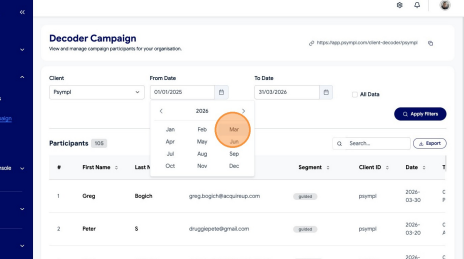
7 Select Month
8 Select Date
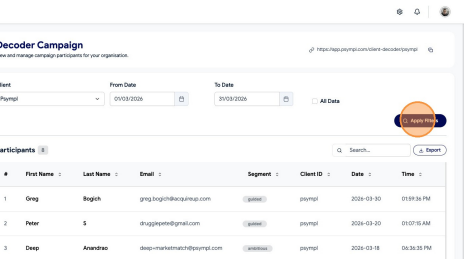
9 Click "Apply Filters"
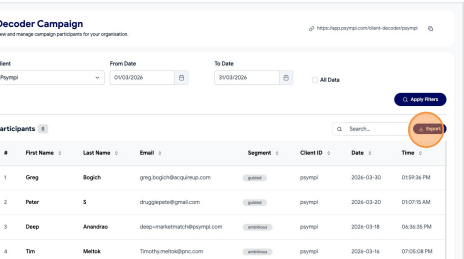
10 Click "Export"
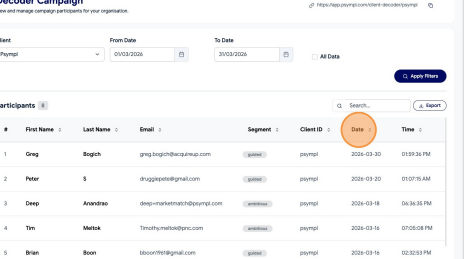
11 Click "Date" to sort